FEATURES & SEARCH SYSTEMS
Trac Max SD500 Features
- Professional Long-Range Locator (LRL) technology
- Android application for real-time control and configuration
- Manual and automatic target search modes
- Soil type selection for improved accuracy
- Adjustable depth and distance parameters
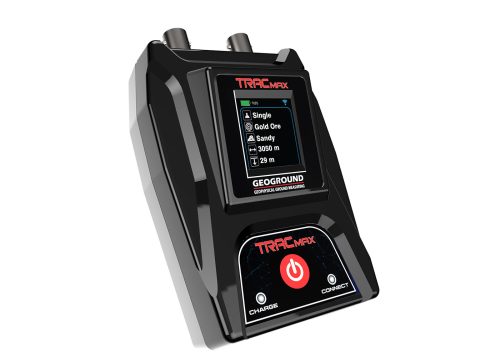
- High-resolution TFT LCD screen
- Multi-language interface
- Stable performance in different terrains
- Designed for outdoor geophysical ground measuring
Search Systems
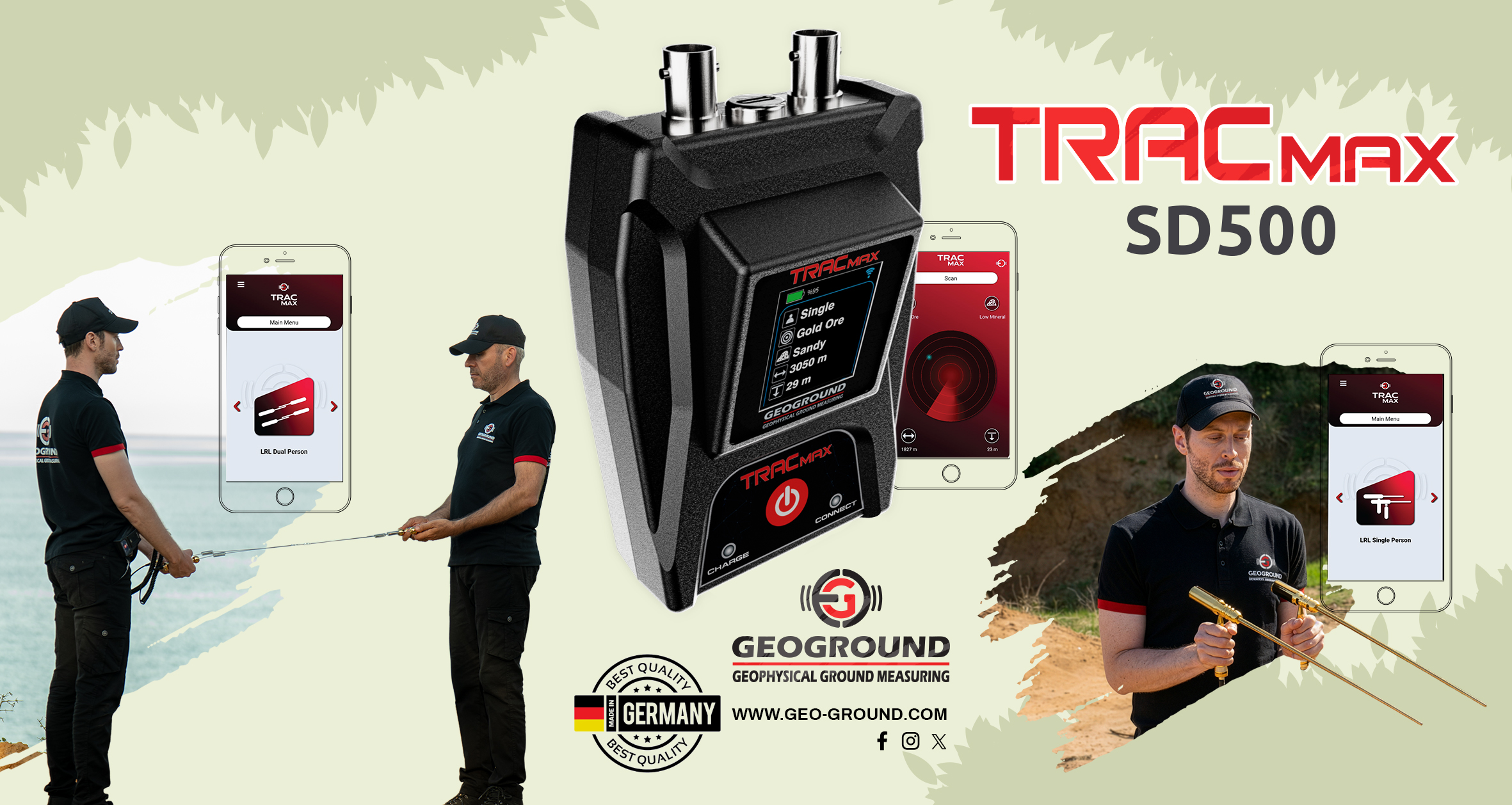
Trac Max SD500 is the most versatile model, supporting both detection methods:
Single Person LRL System
- Designed for solo operation
- Uses directional rod movement to locate targets

Dual Person LRL System
- Designed for cooperative operation by two users
- Enhances confirmation accuracy through synchronized movement

Operating Mode Selection
The app allows users to select the operating system mode according to the device model:
Target Search Method
Users can choose between two target search methods:
- Manual LRL, where the target frequency is manually entered.
- Auto LRL, which allows selection from a predefined list of targets.
Each method provides flexibility depending on search strategy and experience level.
Soil Type Selection
To improve detection accuracy, the application enables users to select the soil type before scanning. Supported soil types include:
Low mineral, High mineral, Gravel, Forest, Saline, Volcanic, Rocky, Wet, Dry, Normal, and Sandy.
This feature allows the system to adapt to different ground conditions.
Depth & Distance Configuration
The app allows precise configuration of:
- Maximum detection depth
- Target distance range
These parameters help define the scanning area and optimize search accuracy according to terrain and target expectations.
Scan Control & Live Feedback
After completing all settings, users can start the scan directly from the app. A visual scanning interface confirms system readiness, while the selected search parameters are displayed on the device screen for real-time reference during operation.
Bluetooth Connectivity & Device Status
The Trac Max app connects to the device via Bluetooth, displaying real-time connection status. Once connected, the device confirms communication by updating its status message and connection icon, ensuring stable and synchronized operation.
Interface & Language Support
The application features an intuitive interface with optional Dark Mode for low-light use and supports multiple languages, including English, German, French, Italian, Russian, Spanish, Arabic, and Persian, making it suitable for users worldwide.






Reviews
There are no reviews yet.